
Order Hosting from TMD Hosting – Simple Step-by-Step Guide
Estimated reading time: 5 minutes, 49 secondsLast updated on August 7th, 2026 at 12:19 pm
Looking for a guide on how to order hosting from TMD Hosting? Then we’ve got the one.
TMD Hosting is one of the best-known web hosting companies in the market. And if you want to order hosting from TMD Hosting but don’t know how to do it?
Then, this might be the right article for you because here in this article, we are going to break down TMD’s hosting plans along with a guide on how to order hosting from TMD Hosting, and we’ll even tell you how you can track your order on TMD Hosting.
So, stick till the end, and you’ll get to know everything about TMD Hosting.
Undoubtedly, TMD Hosting is a stellar host for speed, website protection, daily backups, and reliability.
At TMD, you can choose from a plethora of web hosting services like shared, WordPress, reseller, and many more, powered by 16x faster premium SSD Drives and providing a 99.99% uptime guarantee.
So, without any further ado, let’s get started…
What is a Shared Hosting Package?
You can think of a shared web hosting package as a web hosting service that allows multiple websites to share the resources of a single server. In other words, numerous websites reside on a single server and share the same resources.
Generally, shared hosting packages are the cheapest hosting solutions that every individual can afford. And if we talk about the TMD shared hosting package, then it comes in three categories:
- Starter: $9.52/mon
- Business: $12.72/mon
- Enterprise: $19.12/mon
If you want to buy TMD shared hosting services, scroll down and check out our guide on How to order from TMD Hosting?
How to Order Hosting from TMD Hosting?
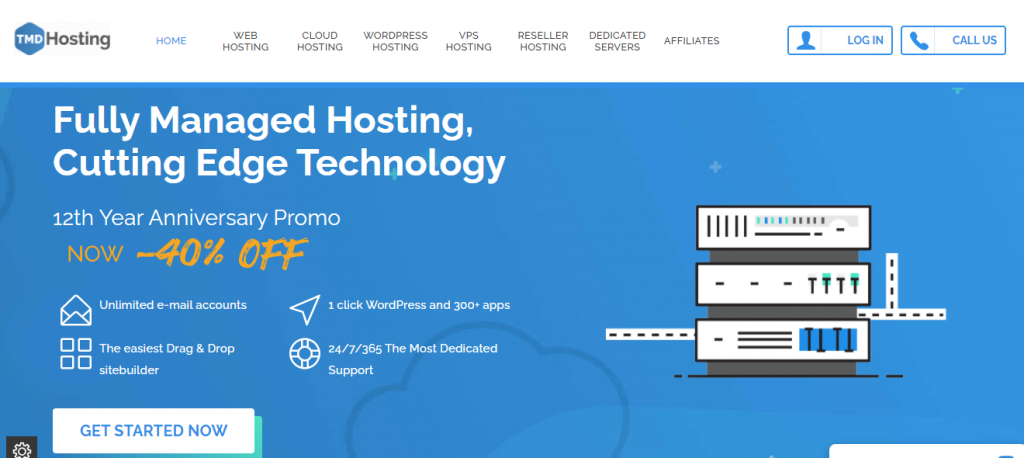
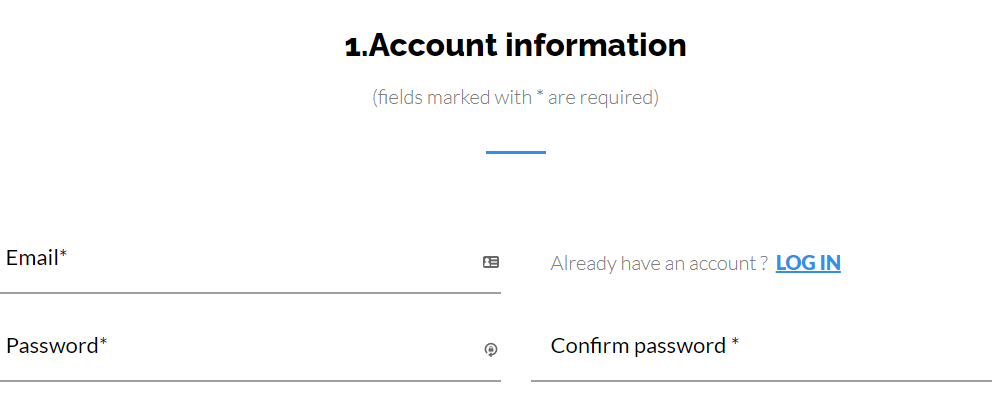
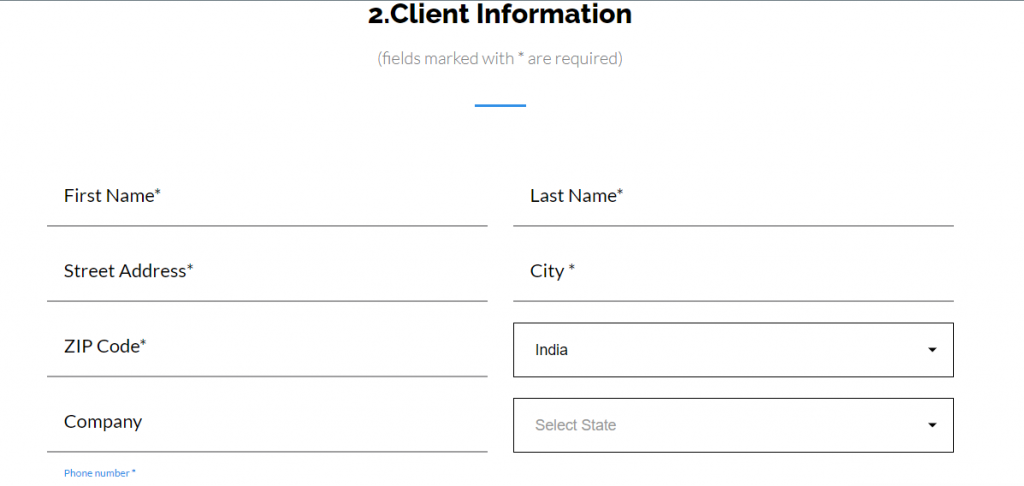
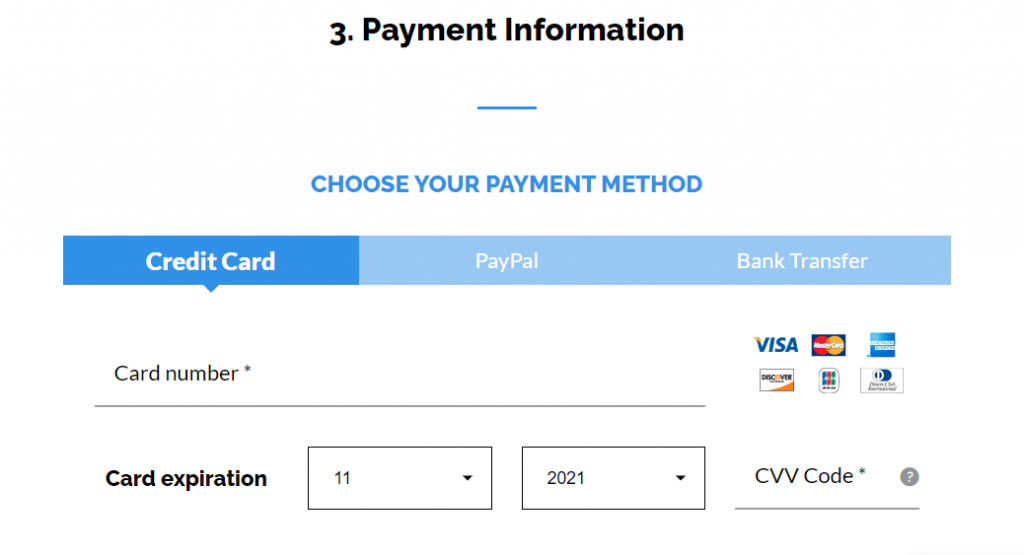
Ordering hosting from TMD Hosting is just a piece of cake; all you have to do is navigate to their landing page by clicking the given link and follow the rest of the steps given below:
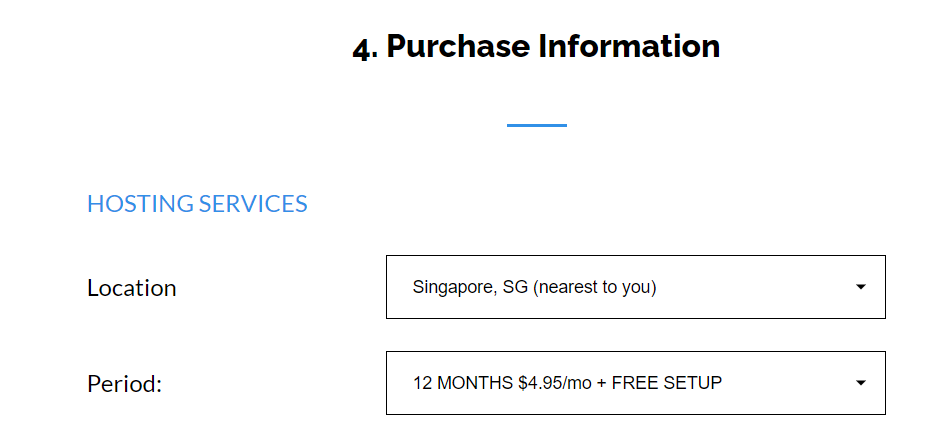
How to Order a Managed Dedicated Server?
Firstly, you should know What is a Managed Dedicated Server. Then we’ll hop into the guide on how to order a managed dedicated server.
A managed dedicated server is a fully isolated environment where all the resources of a single server are handed to a single client on a lease by web hosting companies.
Generally, managed marketing agencies mostly use dedicated servers. Because the managed dedicated servers are supposed to be the powerful ones, the managed dedicated hosting solution is more expensive than the rest of the others.
If we talk about its ordering process, it’s the same as we have discussed above; nothing new, except you have to choose a managed dedicated hosting plan, and then the rest of the steps are the same.
TMD managed dedicated hosting plans:
- Starter: $159.99/mon
- The original: $199.99/mon
- Smart: $249.99/mon
Features you’ll get as per the plans are:
Now let us look at how to order managed dedicated servers from TMD Hosting.
How to Order an Unmanaged Dedicated Server?
An unmanaged dedicated server is just the opposite of a managed dedicated server. Unlike a managed dedicated server, the resources of a dedicated server are selected by the clients.
In short, an unmanaged dedicated server is an empty room where you can fully customize the service.
However, as per our research, TMD Hosting doesn’t offer unmanaged dedicated hosting solutions. But if you want to look for them, then you can visit their site.
How to Order Reseller Hosting in TMD Hosting?
Suppose you are an aspiring entrepreneur who is looking forward to starting your web hosting firm. Then reseller hosting might be the right option for you.
This hosting solution allows you to reuse the hosting services of your hosting company and sell them to your customers and earn a handsome amount of money.
At TMD Hosting, you’ll get reseller hosting at an affordable price powered by premium intel SSD Drives, providing you with 20x faster page load speed, 120+ discounted domain extensions, and offering a 99.99% uptime guarantee.
TMD reseller plans:
How do I Track My Order on TMD Hosting?
Sometimes it happens that your orders might get stuck in between you and your hosting company, or perhaps the order gets delayed for some reason. So what to do in this situation?
Well, if it happens with TMD, you can contact their customer service by raising a support ticket, and this way, you can track your order on TMD Hosting.
How do I change the Primary domain name of my account?
The primary domain name cannot be changed manually. As such, simply submit a Technical Support ticket.
Navigate to your client area, click on “Support”, after that My Tickets, and then submit the ticket.
How can I View and Edit an Order?
Just follow these simple steps to view and edit a web hosting order in TMD Hosting.
Conclusion
So, this was all about TMD hosting and how you can order hosting from TMD hosting.
I hope you got some helpful information from this article. Although ordering hosting from TMD Hosting is not much of a hassle, feel free to comment below if you have a hard time ordering it. We’d love to help you out.
📌 Related: TMD Hosting Nameservers
📌 Related: TMD Hosting Support
