
Order Hosting From Kinsta
Estimated reading time: 7 minutes, 7 secondsLast updated on July 28th, 2026 at 09:38 am
Being a new user in Kinsta, do you find ordering hosting packages from Kinsta difficult? Or has the activation of your order been delayed?
Searching for the answers to these questions is no longer troublesome once you go through the article especially written down for you.
In this article, we’ll be discussing briefly about the various plans offered by Kinsta and the ways in which the order is to be placed once you pick the best web hosting options available to you.
Since you are curious enough to know a great deal about it, let’s get started.
How to Order WordPress Hosting from Kinsta?
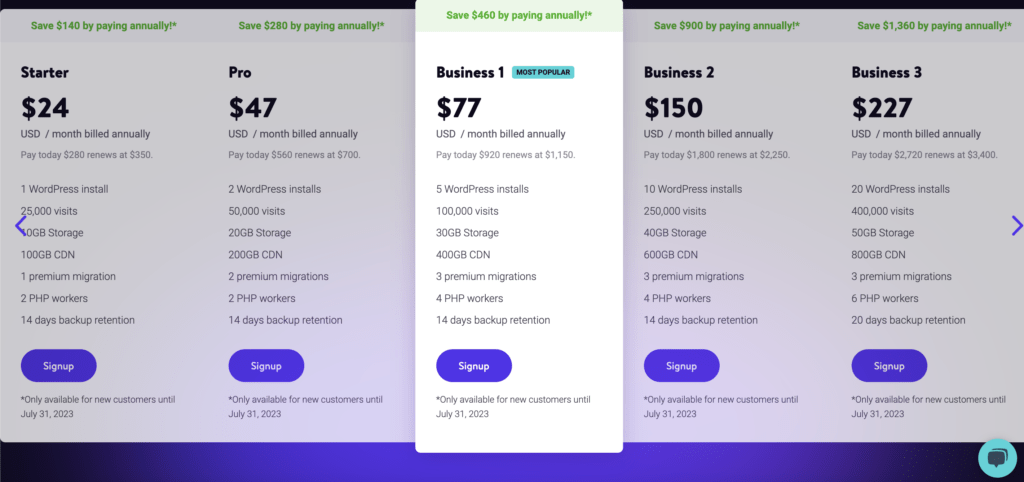
Detailed features of WordPress Hosting services provided by Kinsta with price per month have been displayed below to enable you to choose the best plan among them before you decide to place an order for WordPress Hosting from Kista.
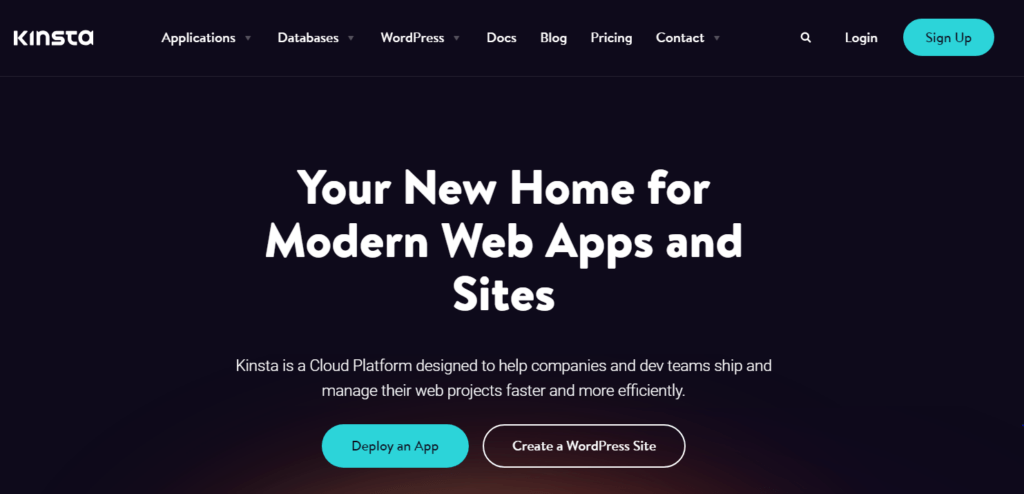
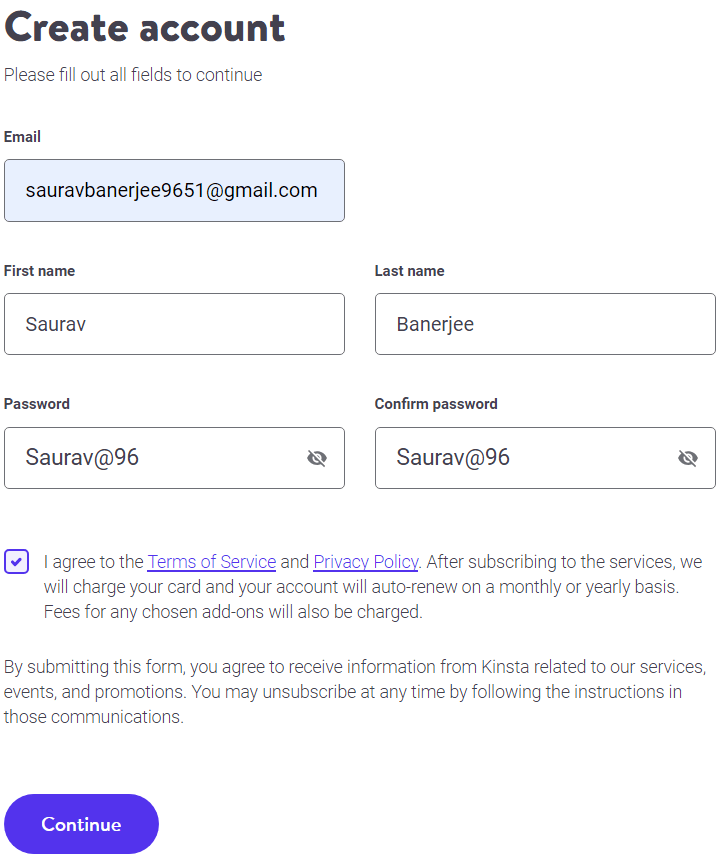
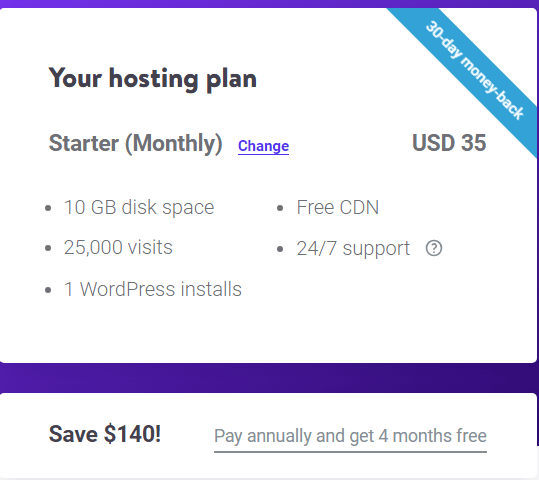
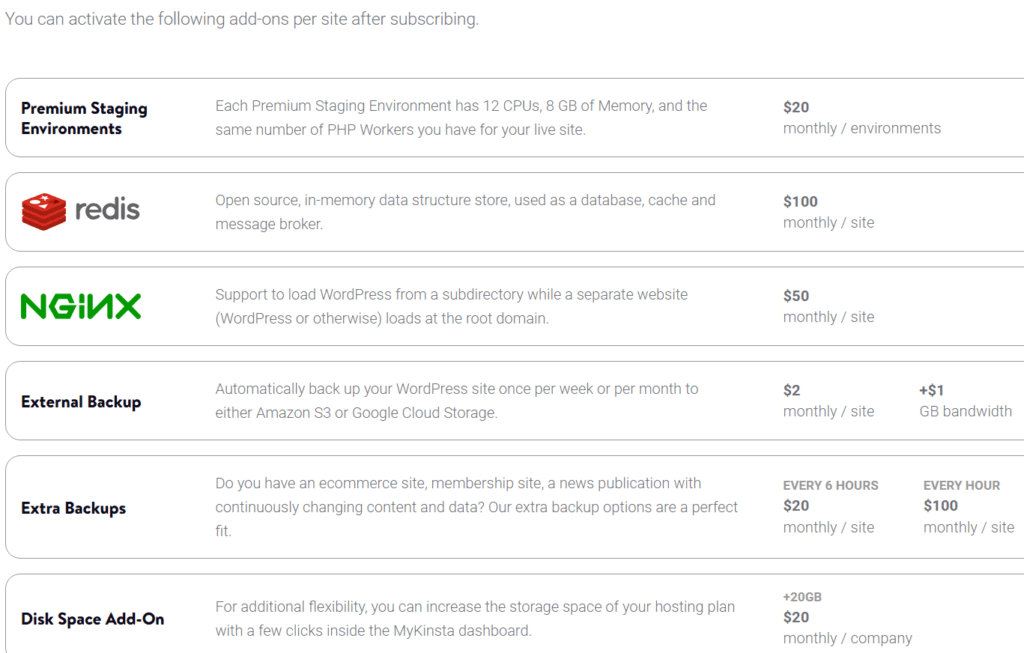
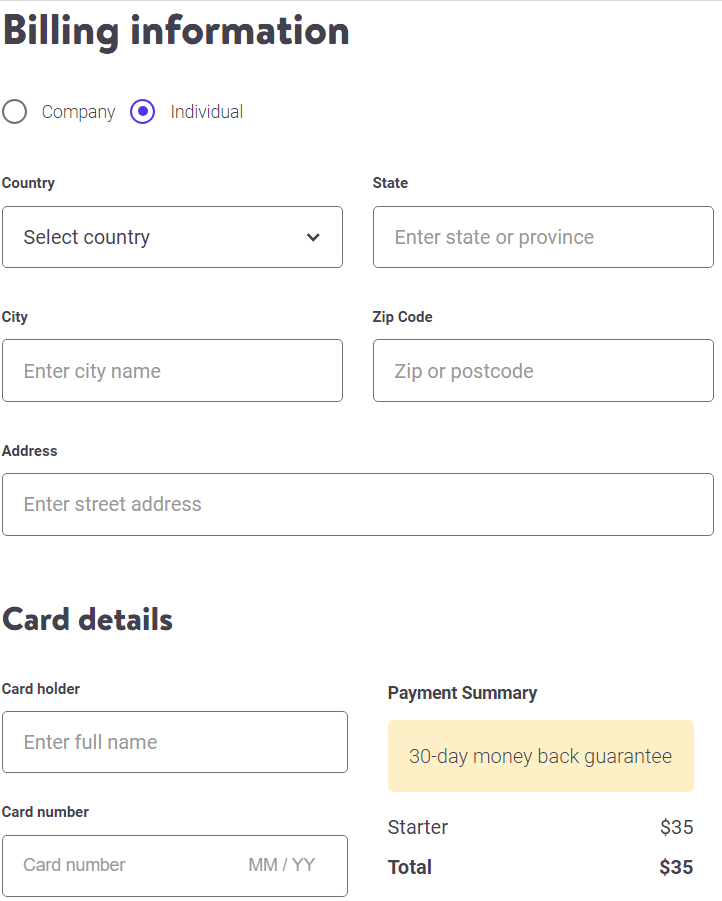
Once you enter your dashboard you can create your website and perform necessary actions related to your website. In case you want to point your existing domain to Kinsta Nameservers, you can do so by making necessary configurations in your dashboard itself.
For people who want to know about Application Hosting and the manner to place order for it from Kinsta, let’s read further.
How to Order an Application Hosting from Kinsta?
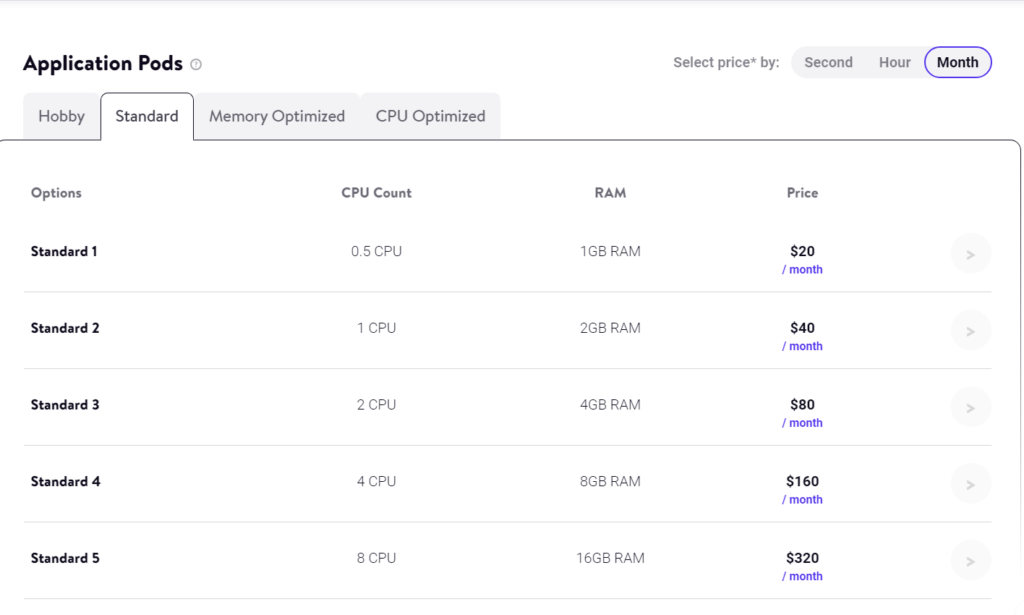
Listed below are the plans and prices of various Application web Hosting provided by Kinsta. Go through the record to pick the befitting application pod for your website according to the requirements.
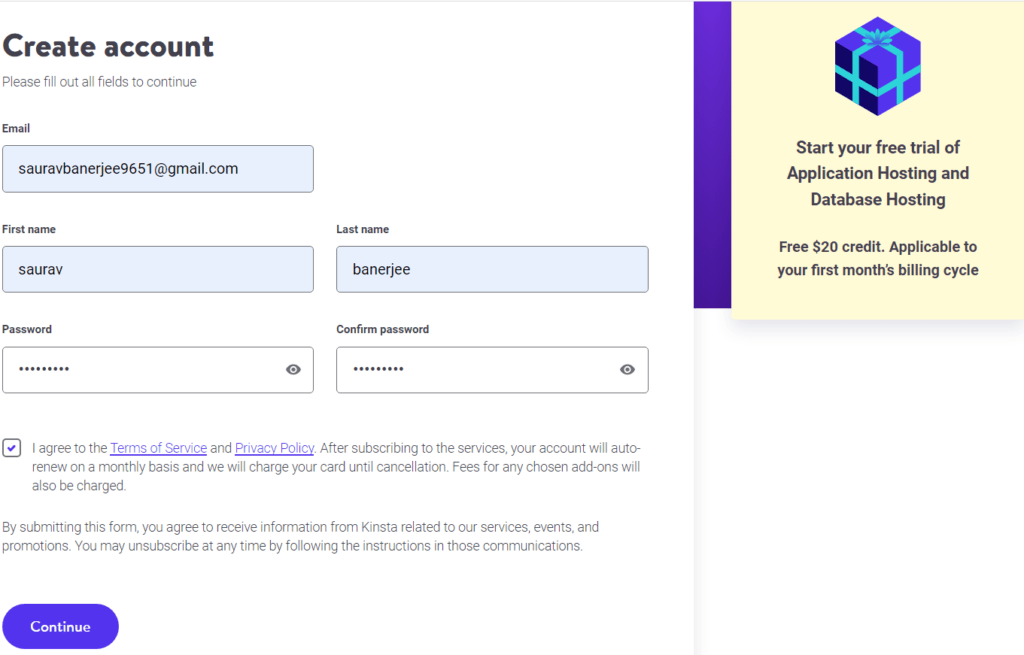
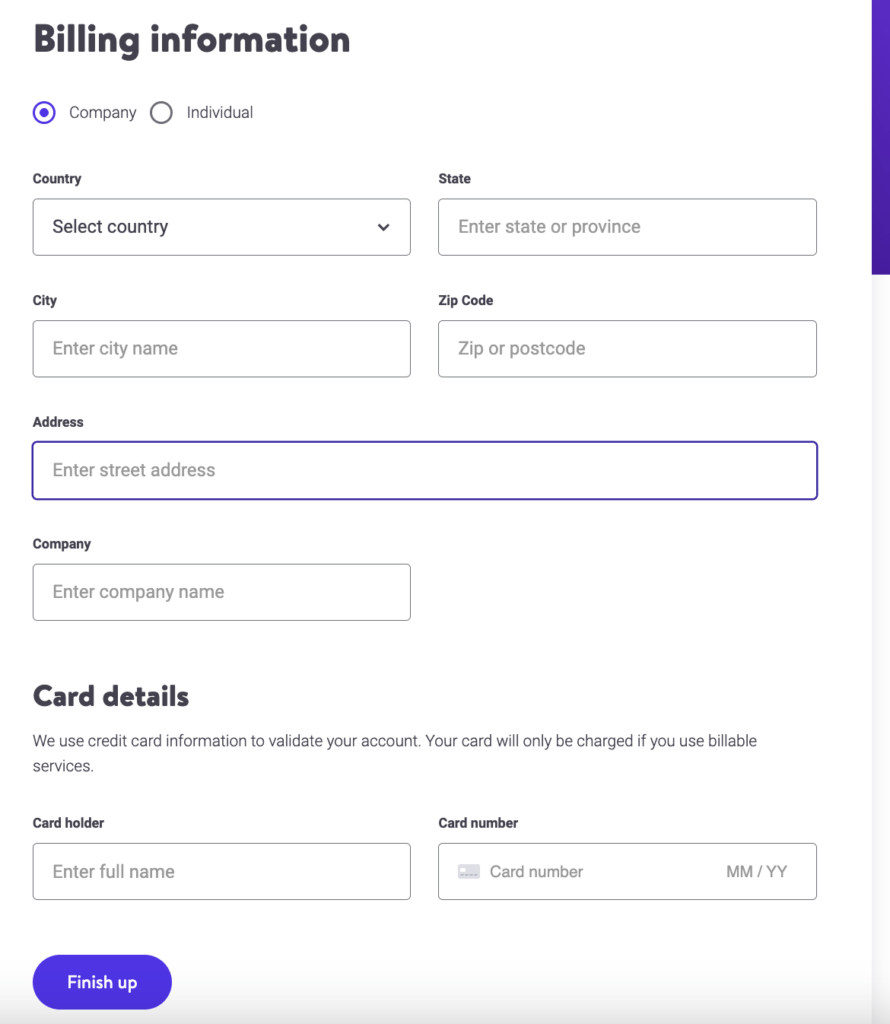
It was way easy, as Kinsta reduces your effort of separately creating your account thereby making the ordering process nothing but a piece of cake.
Lets dive in further to know about the WooCommerce web hosting package for those who are looking for an ecommerce solution.
How to Order a WooCommerce Hosting from Kinsta?
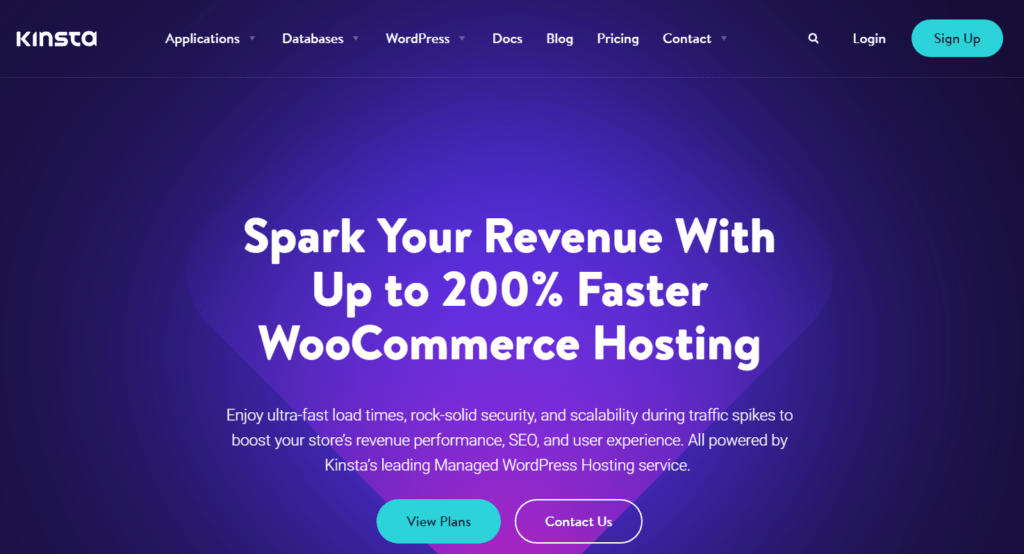
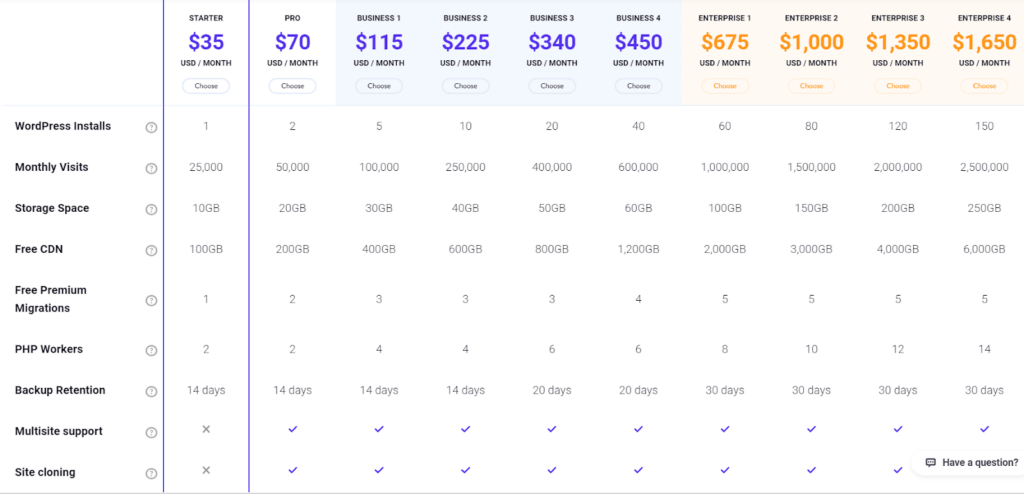
So, before placing an order for WooCommerce web hosting from Kinsta to efficiently handle surge traffic in your online store, acknowledging various plans offered, with its features and prices is needed.
To ease your task to choose from among the options, a catalog of all plans are given below for you to pick the appropriate one.
Now since you know the manner to order Application Hosting from Kinsta, what if you want to purchase Agency hosting that helps you concentrate on the core of your business, read further to know about Agency Hosting and the procedure to order it.
How to Order an Agency Hosting from Kinsta?
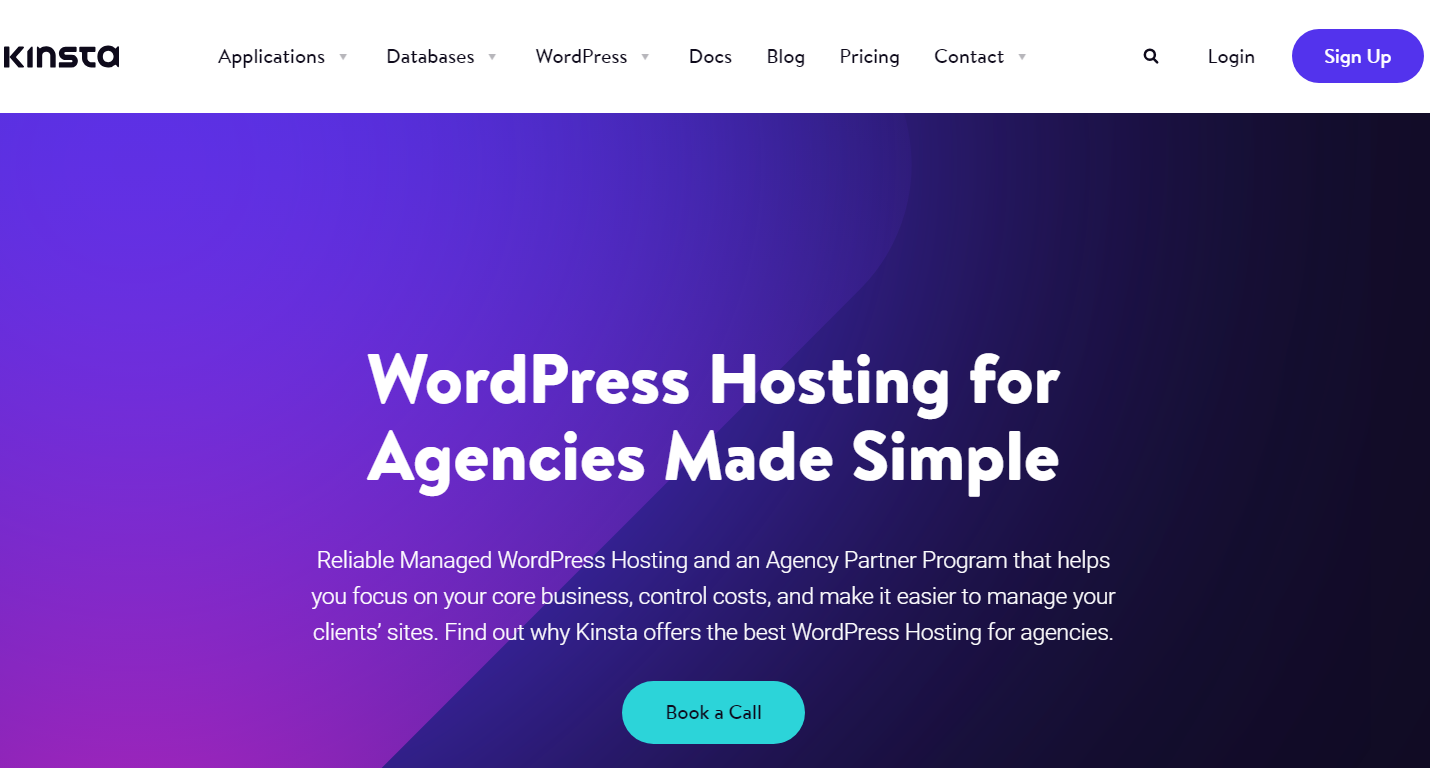
Given below are the various schemes of Agency hosting offered by Kinsta with its related prices to give not only an overview of all the plans but also allow you to select the best suitable among the choices before purchasing hosting from Kinsta.
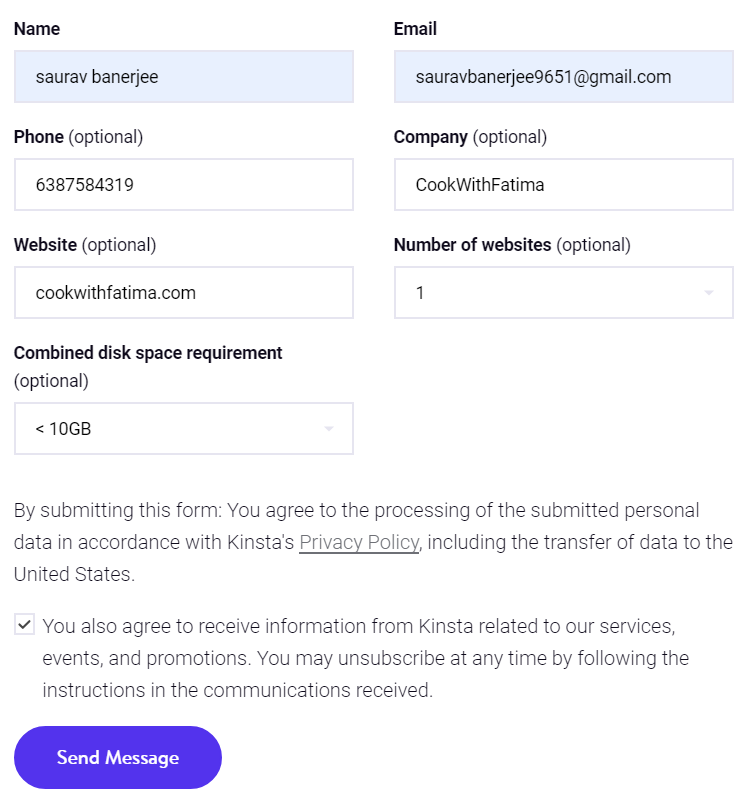

Kista support team will try contacting you once you submit your contact information. You can easily brief your requirements to the executive in detail.
As you now know the ways in which you can place an order for different web hosting services from Kinsta, it becomes more crucial to be familiar with the activation period of the order just after the purchase is made.
How much time does Kinsta take to activate my order?
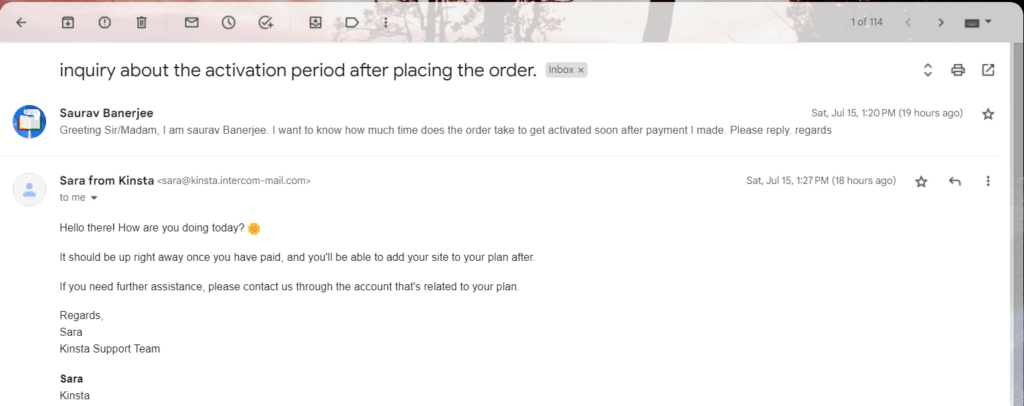
To address this issue we tried contacting the support team to know the exact amount of time taken by Kinsta to get the order activated by sending them an email at: support@kinsta.com.
As far as activation is concerned, the order activates soon as the payment is done. After the purchase is made, Kinsta creates your account and you enter your dashboard, where you can make your website.
Lastly, we have been able to gather a few questions, the answer to which every user of Kinsta usually searches. Read further to know them.
FAQ’s – Order Hosting From Kinsta
Conclusion – Order Hosting From Kinsta
Through this article, we got to understand a comprehensive way of order hosting services from Kinsta and even came to know about the time taken by them to get the order activated.
We sincerely hope that you’ll be able to resolve any problem that arises while ordering services but if you run into an issue, you can mail us at: admin@onlyloudest.com.
📌 Related: DMCA Ignored Shared Hosting vs VPS: Brief Guide
📌 Related: ScalaCube Support
📌 Related: Shinjiru Login
