
How to Contact Ultahost Ultimate Ultahost Support Guide
Estimated reading time: 5 minutes, 56 secondsLast updated on August 17th, 2026 at 11:42 am
Are you a new user and do not know how to register complaints in case of troubles to support teams in Ultahost? Or do you find contacting the support team problematic? There are issues that require proper guidance, and for that, contacting the UltaHost support team is foremost important.
Therefore, in this article, you’ll discover the answers to the doubts stated above. So without any further delays, let’s proceed. 👍
About UltaHost
UltaHost is one of the finest web hosting companies that offers shared, WordPress, VPS, VDS, and dedicated server hosting at an unbeatable rate.
It has a top-class support team, providing assistance 24/7 to its potential clients. But sometimes users find establishing contact with the support team difficult.

Well, in that case, proper knowledge is required about the support team so that, in case of emergency tech support, you can contact them easily and trouble-free. So, how many support channels does UltaHost offer to assist its clients 24/7? To know this, let us discuss in a detailed manner.
We have also tested the support channels to gather relevant experience, which we will be sharing in this article as well.
What Support Channels Does UltaHost Offer?
UltaHost is not only known for its excellent web hosting service but also for its 24/7 customer assistance that is provided by them undeterred. It offers 4 support channels altogether to enable clients to get their issues registered. They are as stated under:
How to Contact UltaHost Support?
Here, we have given a comprehensive guide to contact the support team of UltaHost in case the clients have login, technical, or billing-related issues.
Live Chat
The first and easiest method is live chat. Via live chat, minor doubts that do not require detailed technical knowledge and are billing and sales-related issues can easily be resolved through the live chat option.

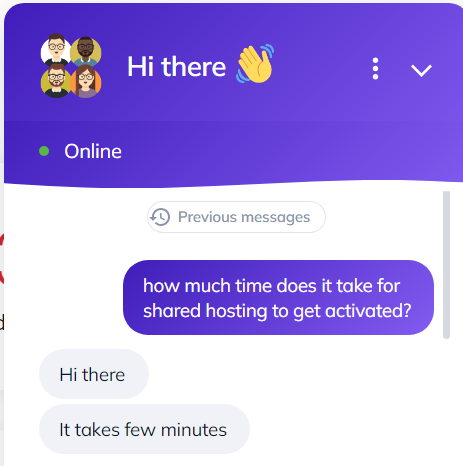
It is a very swift and effective means of getting your minor doubts addressed. But if you have a technical problem and need urgent assistance, then the best option available to you is getting access to the support ticket system.
Support Ticket System
The support ticket system enables users to get their issues resolved that require technical know-how. The reply that the user gets using the ticket system is technically relevant and to the point.
Since it is a useful means to contact the support team, let’s know how to open a ticket and to get the problem resolved.

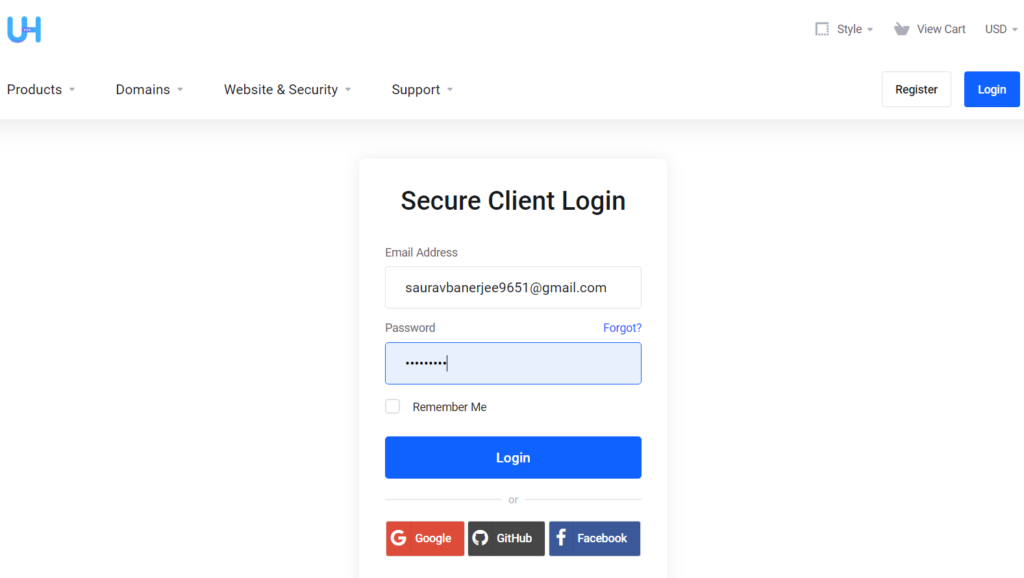
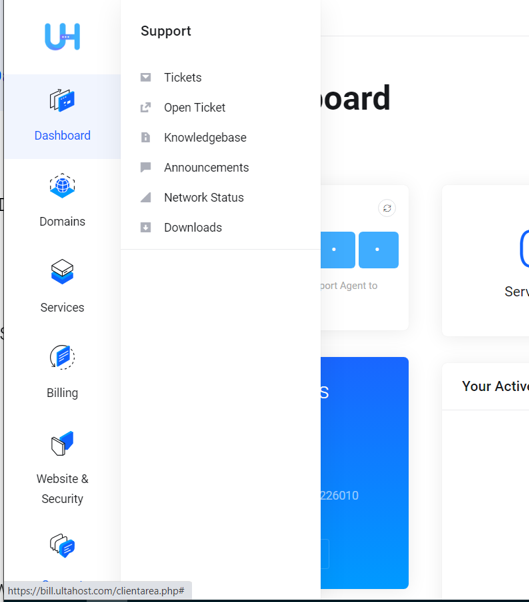
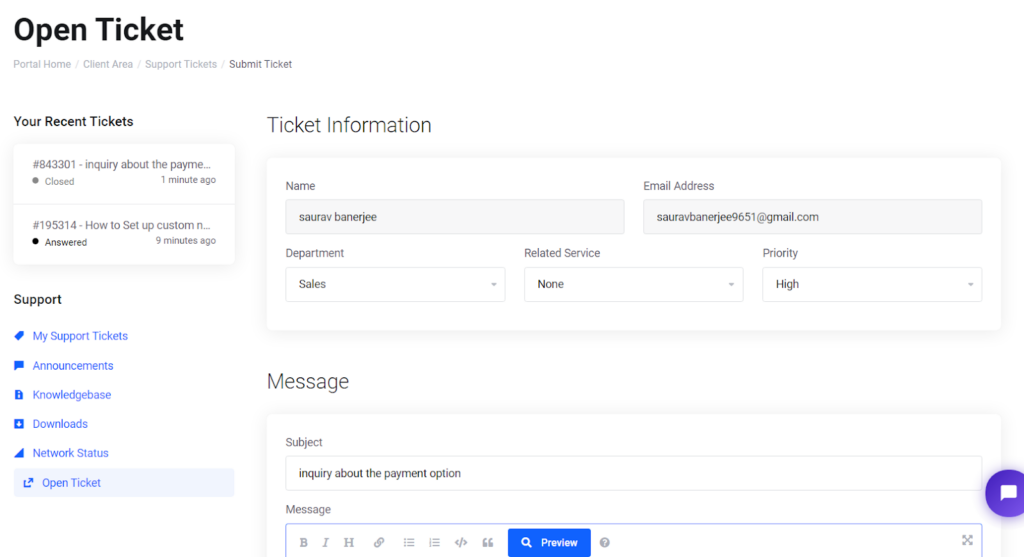
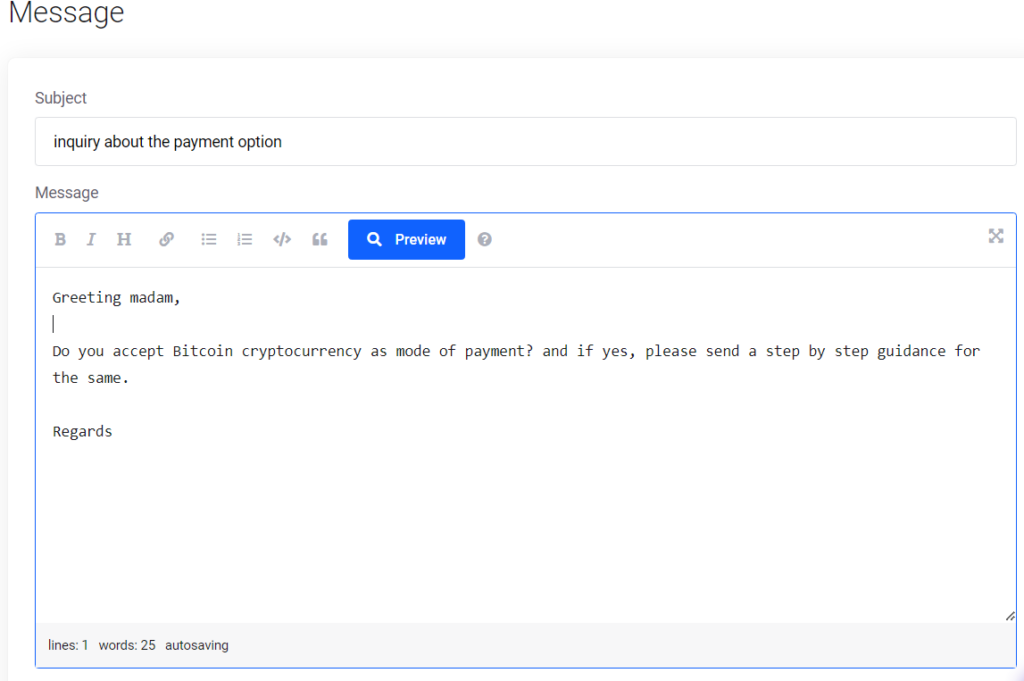
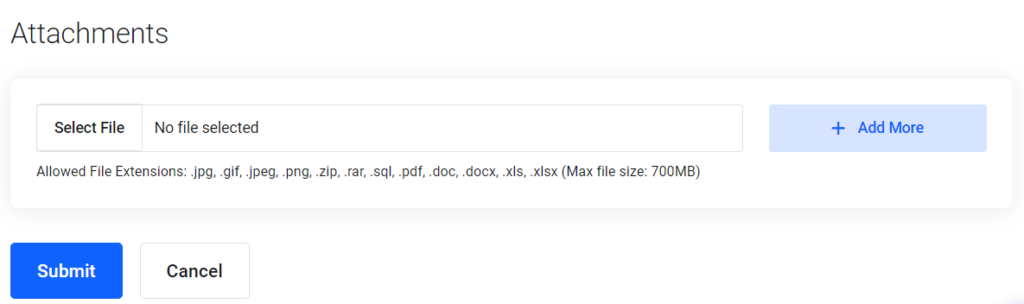
In this manner, you will easily be able to submit your support ticket and get your doubt resolved. However, you can also approach the support team via email and voice call options as well
To address your problems that involve sales support, technical and billing support, you can also reach the support team by sending them an email at:

Voice call
Verbal conversation is not only easy but also effective and swift in receiving replies. Therefore, if international calling cost is not an obstacle for you, then calling the support team is also one of the best options available to us at stake.
The client can reach the support team by dialing:
In Ultahost Website itself, the Contact Us option has a Send Us a Message option to text the support team for assistance, especially useful for new users who have yet to get a detailed idea about the hosting services.
So, after submitting the support ticket, it is required to keep track of the tickets previously submitted. So, below we have decoded how to track the status of the previous ticket submitted by the user to get the technical doubts resolved.
How do I Check My Support Ticket History?
Therefore, in order to check the support ticket history, first go to the client area and log in to your account. As soon as you log in, your dashboard will display right away.
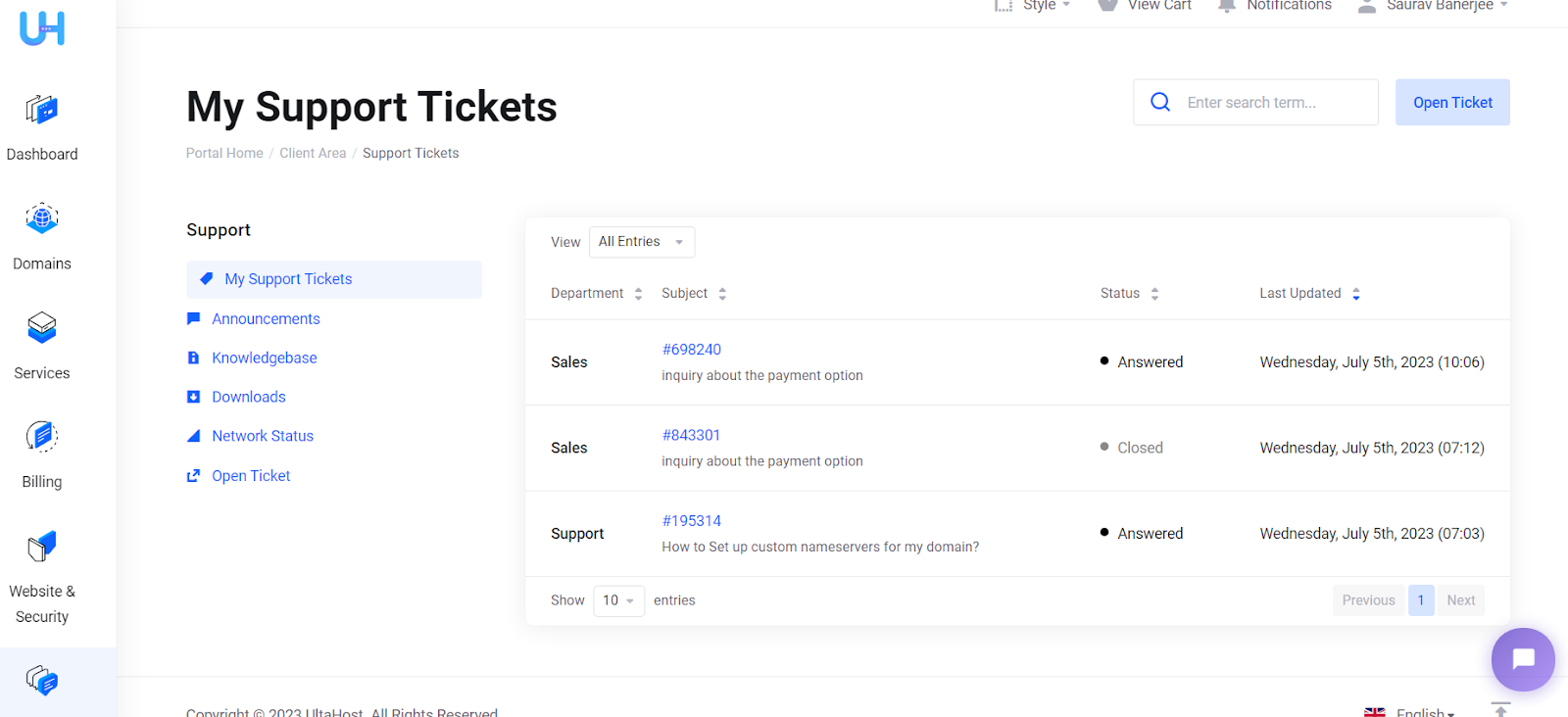
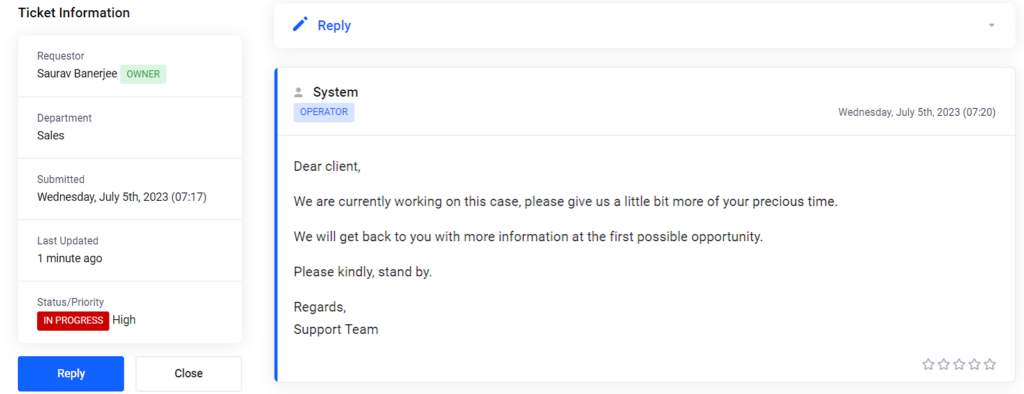
So, we believe that through these instructions, you can easily know how to track the status of your previously submitted ticket support.
Other UltaHost Customer Feedback
UltaHost is a highly recommended web hosting company, greatly known for its customer care and the quality of service provided by them. Some other customer feedback is given as under.


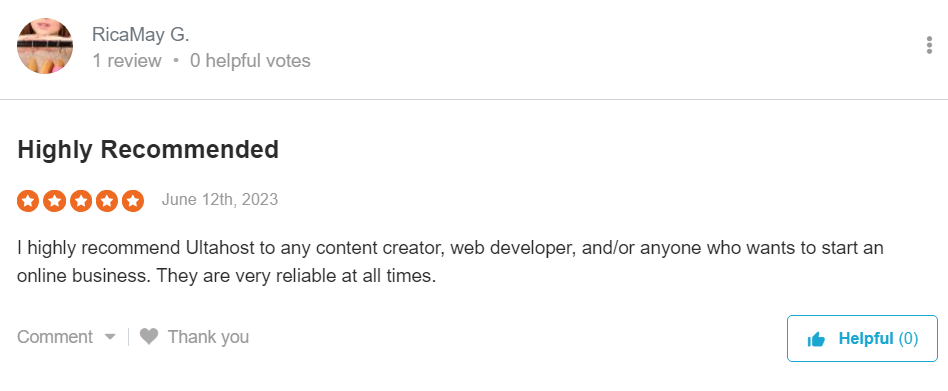
Also Read: Order Hosting From UltaHost
Our Experience with the UltaHost Support
In this article, we have also been able to gather experience by contacting the support team of UltaHost, enabling you to understand how fruitful these support channels are. To begin with, let’s discuss the functionality of the live chat support team-
Live chat
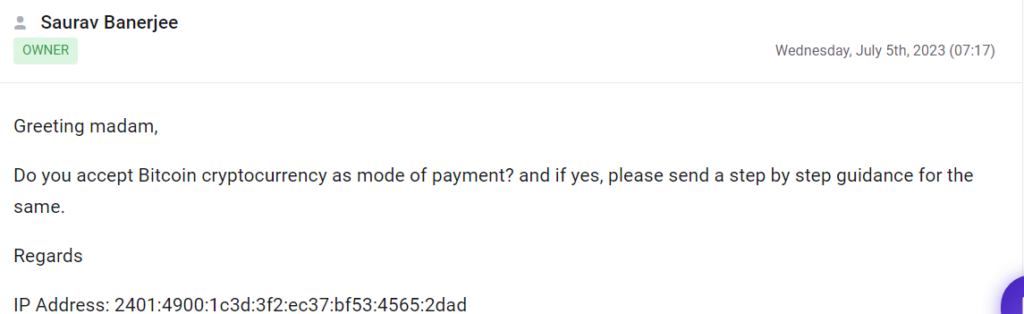
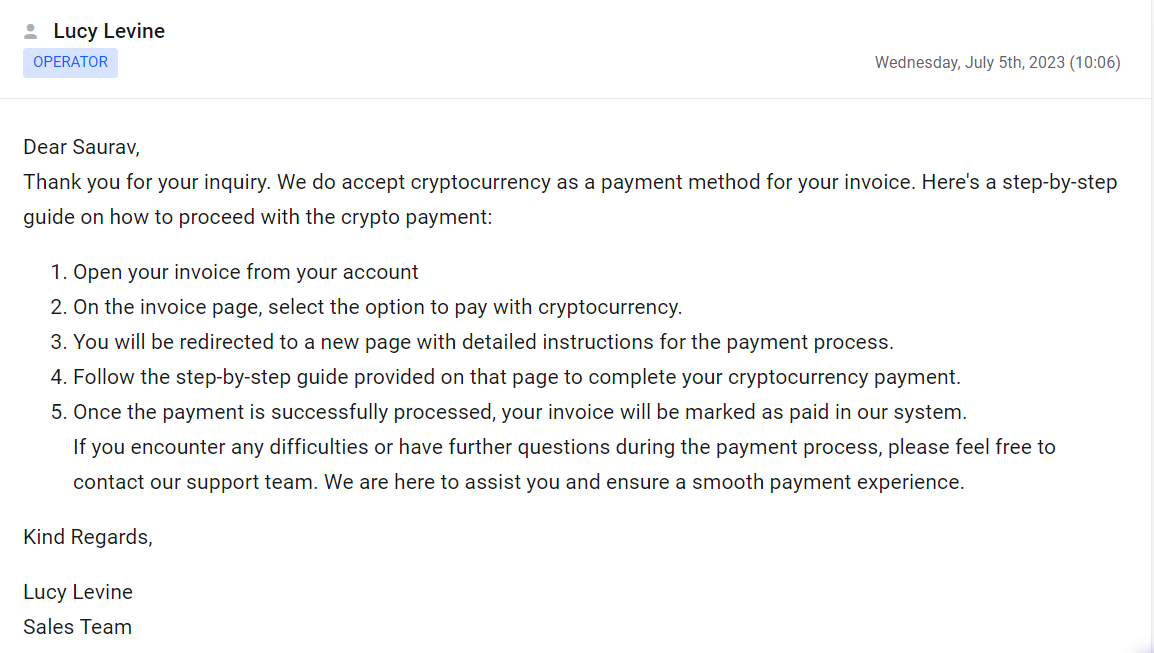
Ticket system
Conclusion
In this article, we have systematically discussed the support channels, the way to approach them and the experience that we have gathered by contacting them.
We highly appreciate your useful comments, and we’ll be extremely grateful to implement it.👍
📌 Related: Order Hosting From Rocket.net
📌 Related: UltaHost NameServers
